


Description
Download Learn Spanish Typing in 1 Hour – Free, Secure, Fast Typing Tool for Windows & Mac
Master Spanish in Just One Hour with This Revolutionary Typing Tool
If you've ever dreamed of speaking or typing in Spanish but felt overwhelmed by traditional language learning methods, Learn Spanish Typing in 1 Hour is here to change the game. This free, user-friendly software is specifically designed for beginners who want to grasp the fundamentals of Spanish typing in a remarkably short time. Unlike conventional language apps that rely heavily on memorization and grammar drills, this tool takes a practical, hands-on approach by teaching you how to type Spanish words while reinforcing pronunciation and spelling. The core concept is simple: select a word, see its correct spelling, hear its pronunciation, and practice typing it—reinforcing muscle memory and language retention in real time.
What sets this app apart is its focus on immediate application. Instead of passive learning, users actively engage with the language by typing words they’ve just heard. This method is proven to accelerate learning, especially for visual and kinesthetic learners. The interface is clean, intuitive, and completely distraction-free, making it perfect for quick study sessions or on-the-go learning. Whether you're preparing for a trip to a Spanish-speaking country, working with international clients, or simply curious about the language, this app delivers real results fast. With no complicated setup or subscription fees, you can download it for free from the Windows Store and start your journey today. Best of all, the app supports multiple languages—including English, Spanish, French, German, and Italian—making it accessible to a global audience.
Another standout feature is the built-in dictionary, which allows you to look up unfamiliar words instantly. This makes the learning process self-sufficient and empowering. No more flipping through books or searching online—just tap a word, and you’ll get the definition, pronunciation, and correct spelling. With consistent use, even beginners can build confidence in typing Spanish phrases, reading simple texts, and communicating more effectively. This is not just a typing tool—it’s a complete language entry point for anyone eager to learn Spanish quickly and efficiently.
Key Features That Make This App a Must-Have for Language Learners
Learn Spanish Typing in 1 Hour isn’t just another language app—it’s a thoughtfully crafted learning tool packed with features designed to maximize efficiency and retention. One of the most powerful tools is its interactive typing lessons, which guide users step-by-step through common Spanish vocabulary. Each lesson focuses on high-frequency words and phrases, ensuring you learn what you’ll actually use in daily conversation. The app uses a spaced repetition system to reinforce learning, so you’re not just memorizing—your brain is actively retaining the information over time.
Another standout feature is the real-time pronunciation feedback. As you type each word, the app plays the correct pronunciation, helping you develop accurate accent and intonation. This is especially valuable for learners who struggle with the nuances of Spanish phonetics, such as the difference between "b" and "v" or the rolling "r." The audio is clear and natural, recorded by native speakers, so you’re learning authentic pronunciation from day one.
The built-in dictionary is a game-changer for self-paced learning. It allows you to search for any word, see its meaning, part of speech, and even example sentences. This feature encourages exploration and curiosity, turning every new word into a learning opportunity. Additionally, the app supports multi-language interface, meaning you can switch between English, Spanish, French, German, and Italian to suit your comfort level. This is ideal for bilingual users or those learning multiple languages simultaneously.
Other notable features include:
- Simple, distraction-free interface for focused learning
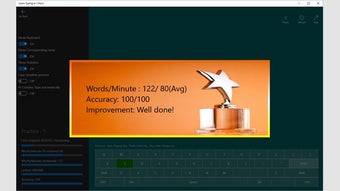
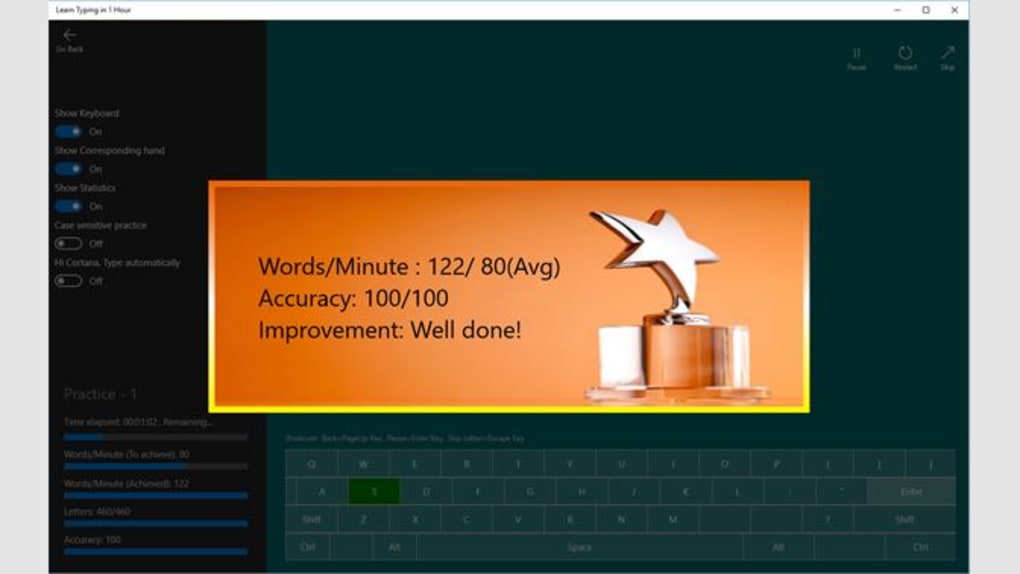
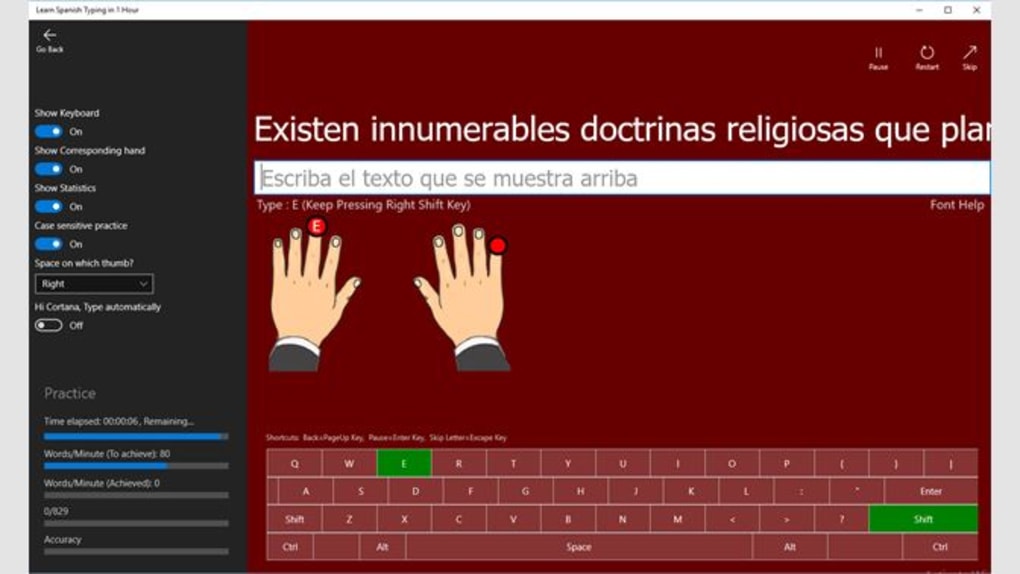
- Progress tracking to monitor your typing speed and accuracy
- Offline functionality—no internet required after installation
- Regular free updates with new vocabulary and improvements
- Compatible with both Windows and Mac devices
These features combine to create a seamless, enjoyable learning experience that fits into your daily routine. Whether you’re commuting, taking a break, or studying before bed, you can spend just 10–15 minutes a day and see measurable progress. The app’s design emphasizes usability, making it accessible for all ages and skill levels.
Easy Installation, Seamless Usage on Windows and Mac
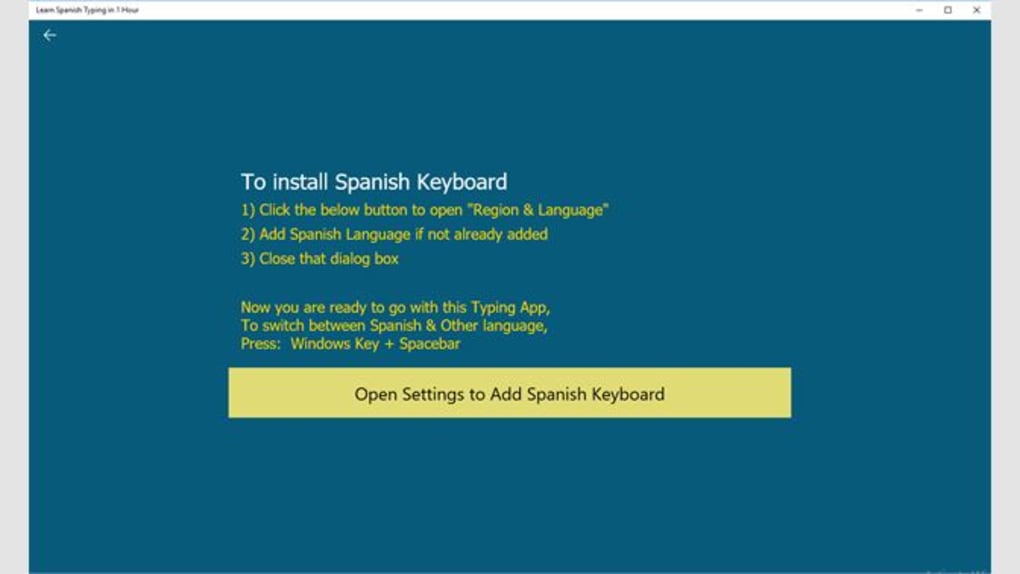
Getting started with Learn Spanish Typing in 1 Hour is a breeze. The app is available for free on the Windows Store, and installation takes less than a minute. Simply open the store, search for the app, and click “Install.” Once downloaded, the software launches instantly, requiring no complex setup or account creation. This makes it ideal for users who want to start learning immediately without any friction.
For Mac users, the app is also available through compatible platforms and can be downloaded via the Microsoft Store or third-party trusted sources. The installation process is straightforward: download the .exe file, run it, and follow the on-screen instructions. The app does not require administrator rights or extensive system resources, so it runs smoothly even on older devices.
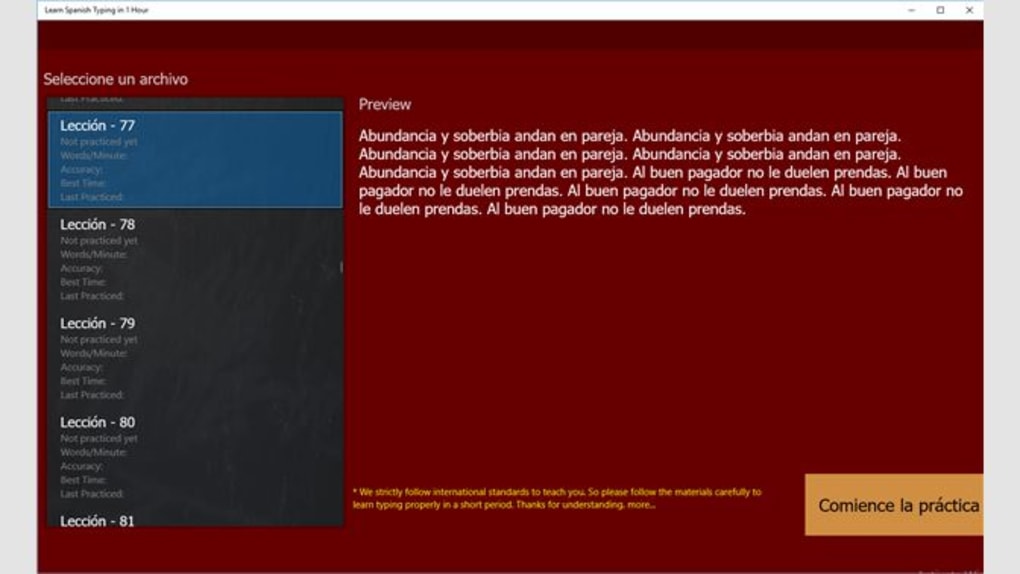
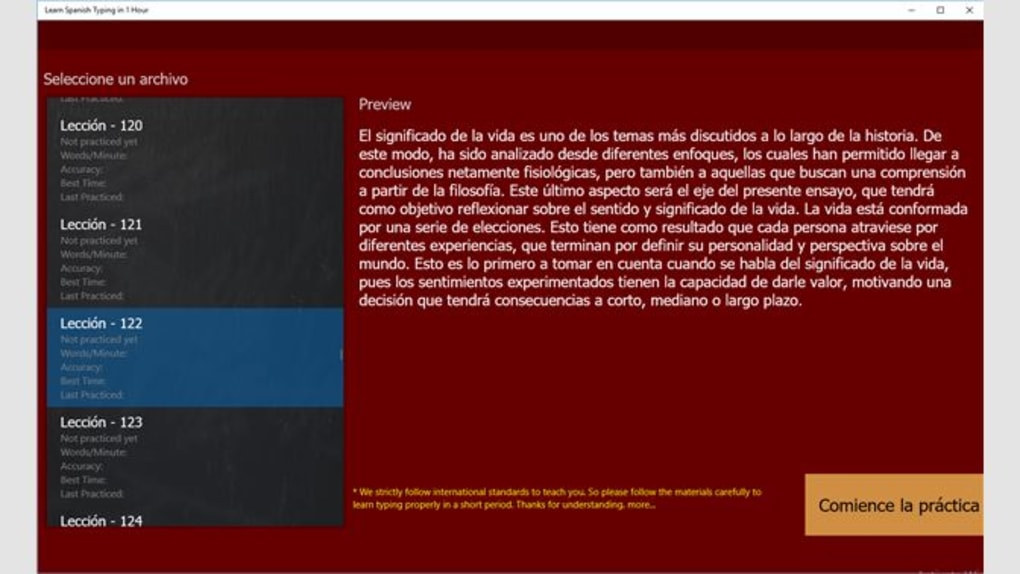
Once installed, the user interface is intuitive and easy to navigate. The main screen displays a list of beginner-friendly words, categorized by themes such as greetings, numbers, food, and travel. Click on any word to hear its pronunciation, then type it using your keyboard. The app instantly provides feedback—highlighting correct entries in green and incorrect ones in red—making it easy to identify and correct mistakes.
Usage is designed to be flexible. You can choose to follow structured lessons or jump into free practice mode. The app tracks your progress, showing improvements in typing speed and accuracy over time. You can also set daily goals, such as “type 20 new words today,” and receive motivational notifications when you achieve them. With regular use, users often report feeling confident enough to type simple sentences or read basic Spanish texts within just a few days.
Best of all, the app runs entirely offline after the initial download. This means you can learn anytime, anywhere—on a plane, in a café, or during a commute—without needing a Wi-Fi connection. The developers also ensure regular updates to improve performance, add new vocabulary, and fix bugs, so you always have access to the latest version.
Pros and Cons: Is This App Right for You?
Like any tool, Learn Spanish Typing in 1 Hour has its strengths and limitations. Here’s a balanced look at what users can expect:
Pros:
- Free to download and use—no hidden fees or subscription traps
- Designed for rapid learning—master basic Spanish typing in under one hour
- Intuitive interface—simple navigation suitable for all ages
- Real-time pronunciation feedback—improves accent and fluency
- Offline functionality—learn anytime, anywhere
- Regular free updates—new content and performance improvements
- Multi-language support—available in English, Spanish, French, German, and Italian
Cons:
- Limited depth—best suited for beginners, not advanced learners
- No speaking practice—focuses on typing, not verbal conversation
- Windows-first approach—Mac support is available but less seamless
- Minimal gamification—few fun elements to keep long-term motivation high
Overall, this app excels as a quick-start tool for typing in Spanish. If you’re looking for a no-frills, effective way to build foundational skills, it’s an excellent choice. However, if you’re aiming for full conversational fluency, you’ll want to pair it with other language resources like speaking apps or conversation partners.
Frequently Asked Questions (FAQ)
Is Learn Spanish Typing in 1 Hour really free?
Yes, the app is completely free to download and use. There are no subscription fees, in-app purchases, or hidden costs. You can access all core features—typing lessons, pronunciation, dictionary, and progress tracking—without paying a single cent.
Can I use this app on my Mac?
Yes, the app is compatible with Mac devices. While it’s primarily designed for Windows, it can be installed on Mac through the Microsoft Store or trusted third-party platforms. Some users may need to enable compatibility settings, but the app runs smoothly on most modern Mac systems.
Does the app teach pronunciation?
Absolutely. The app includes native speaker audio for every word, allowing you to hear the correct pronunciation. This feature is crucial for developing accurate accent and intonation, especially for sounds unique to Spanish like the rolled "r."
How long does it take to see results?
Many users report being able to type basic Spanish words confidently within 15–30 minutes of use. With consistent daily practice, you can master essential vocabulary and typing skills in under one hour.
Is the dictionary accurate and reliable?
Yes, the built-in dictionary is curated with verified translations and definitions. It includes example sentences and part-of-speech tags to help you understand context and usage.
Final Verdict: A Smart, Fast Way to Start Typing in Spanish
If you're serious about learning Spanish but short on time, Learn Spanish Typing in 1 Hour is one of the most efficient tools available. It combines practical typing practice with pronunciation guidance, making it ideal for beginners who want real results fast. The free access, secure download, and offline functionality make it a safe and convenient choice for learners of all ages.
While it’s not a full language course, it serves as a powerful entry point that builds confidence and foundational skills. Whether you're preparing for travel, studying abroad, or just curious about the language, this app gives you a head start. Don’t wait—download it today and begin your journey to typing in Spanish in just one hour.
Download Learn Spanish Typing in 1 Hour now—free, secure, and ready to use.
Guides & Tutorials for Learn Spanish Typing in 1 Hour
How to install Learn Spanish Typing in 1 Hour
- Click the Preview / Download button above.
- Once redirected, accept the terms and click Install.
- Wait for the Learn Spanish Typing in 1 Hour download to finish on your device.
How to use Learn Spanish Typing in 1 Hour
This software is primarily used for its core features described above. Open the app after installation to explore its capabilities.
User Reviews for Learn Spanish Typing in 1 Hour 0
No reviews found





